Your clients pick a free slot online. Every appointment creates a contact in your CRM, lands in the team agenda with the video link, and your anti no-show reminders go out on their own.
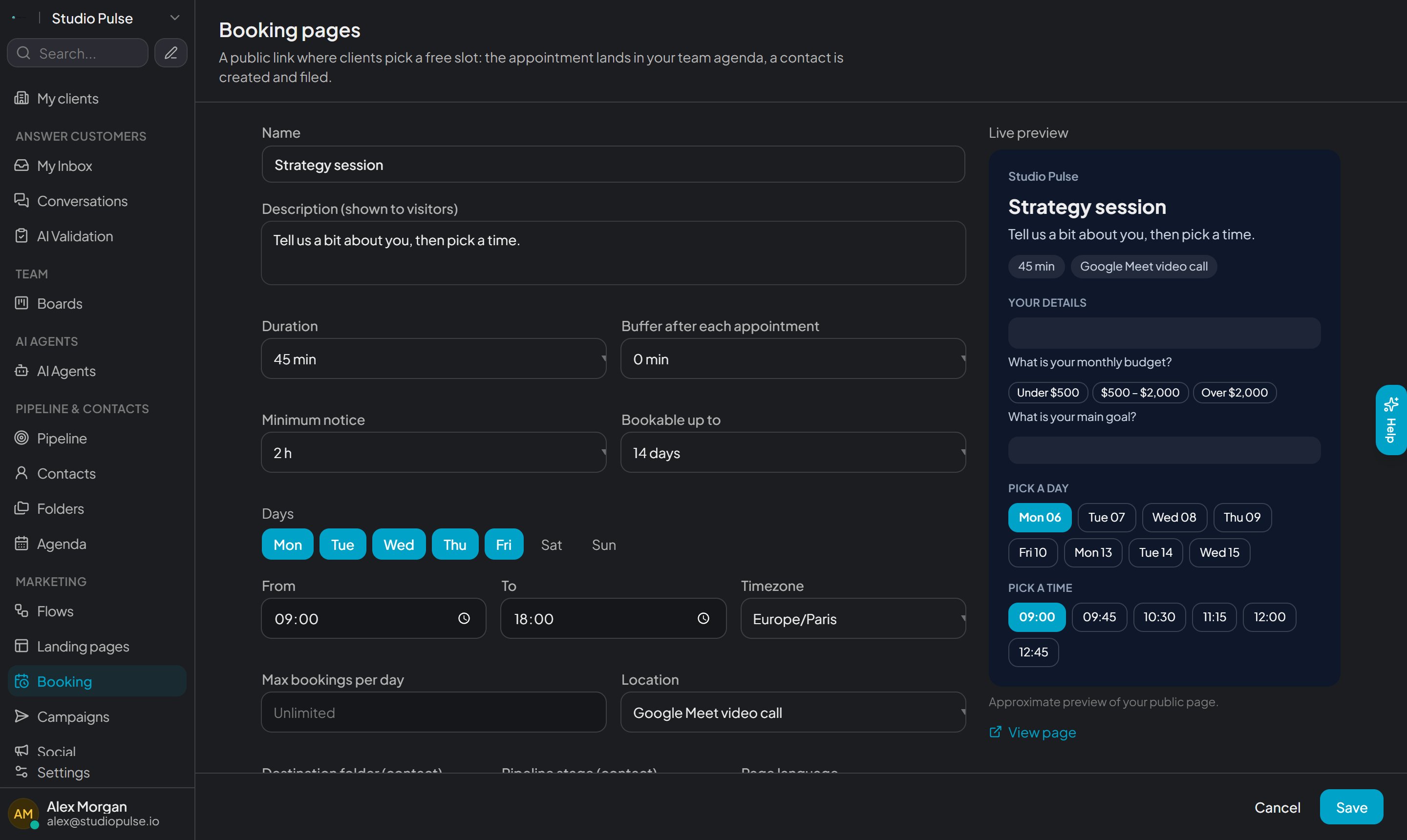
Duration, days and hours, Meet video or phone, qualification questions: a live preview shows your page while you set it up.
A link to send, a popup button or an embed for your website, the calendar inside your landing pages — and your AI agent shares the link in conversations.
A contact is created and filed in the folder you choose — your Flows fire —, the appointment lands in the team agenda, and the client gets the invite with a Meet link.
Everything that turns a booked slot into a client in the room.
Ask your questions before opening the calendar. The contact is saved even without booking, and an off-target answer can hide the slots.
Automatic reminder 24h before by email, 1h before by SMS — delays are adjustable. Confirmed clients stop forgetting.
Every confirmation contains a secure link to cancel or pick another slot. People who cannot make it free the spot instead of ghosting.
Mark a no-show in the agenda: the contact moves to a dedicated folder and your follow-up Flow restarts on its own.
Depending on the client's answer, they are filed in a different folder: each segment gets its own follow-up sequence.
Your name or logo on the page, in English, French, Spanish, Italian or German. Daily caps, buffers between appointments, minimum notice.
A day, a time, their details: confirmed. The client adds the appointment to their calendar (Google or .ics file) and gets the video link.
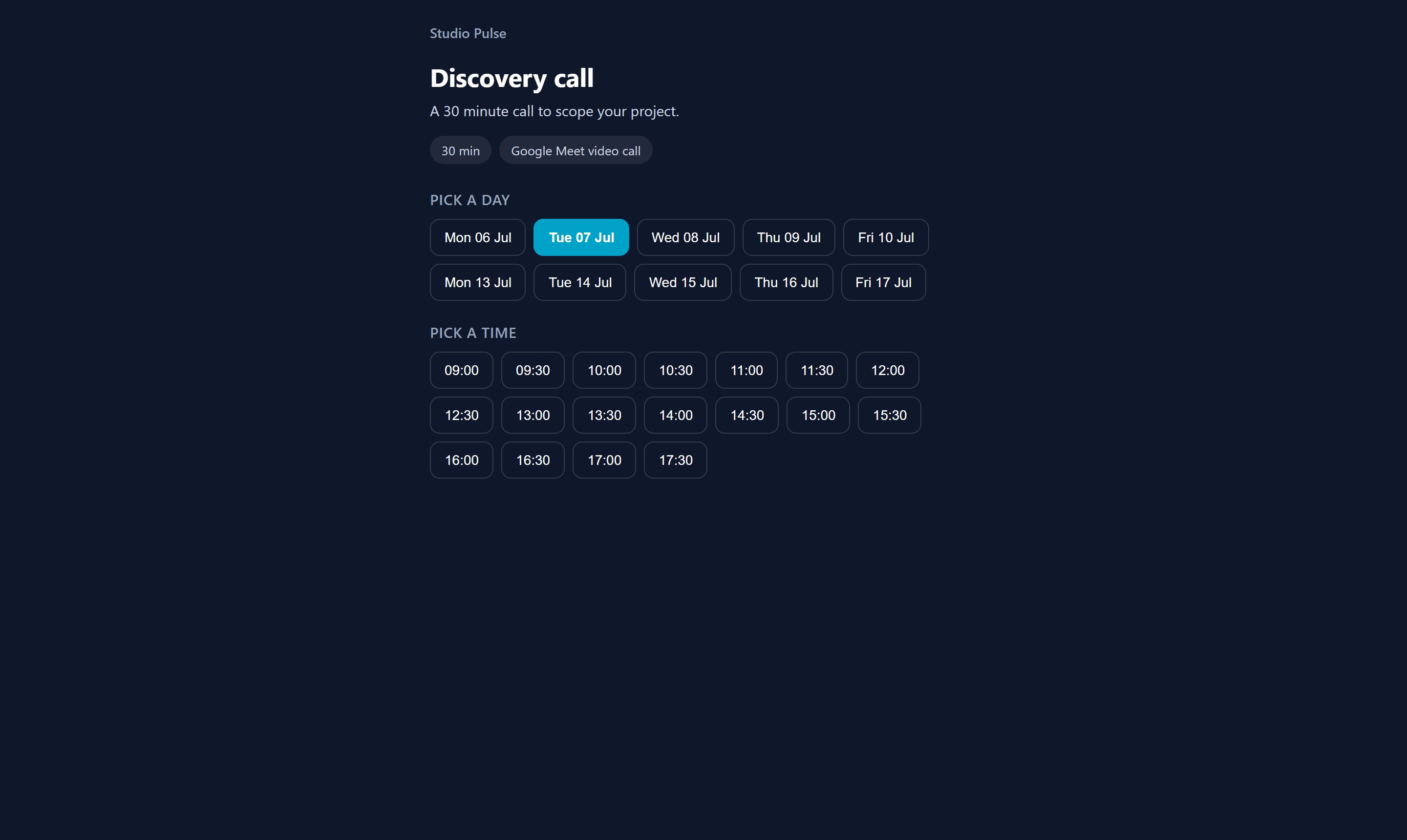
Your questions show up before the slots: you only give time to the right prospects — and you keep everyone else's details.
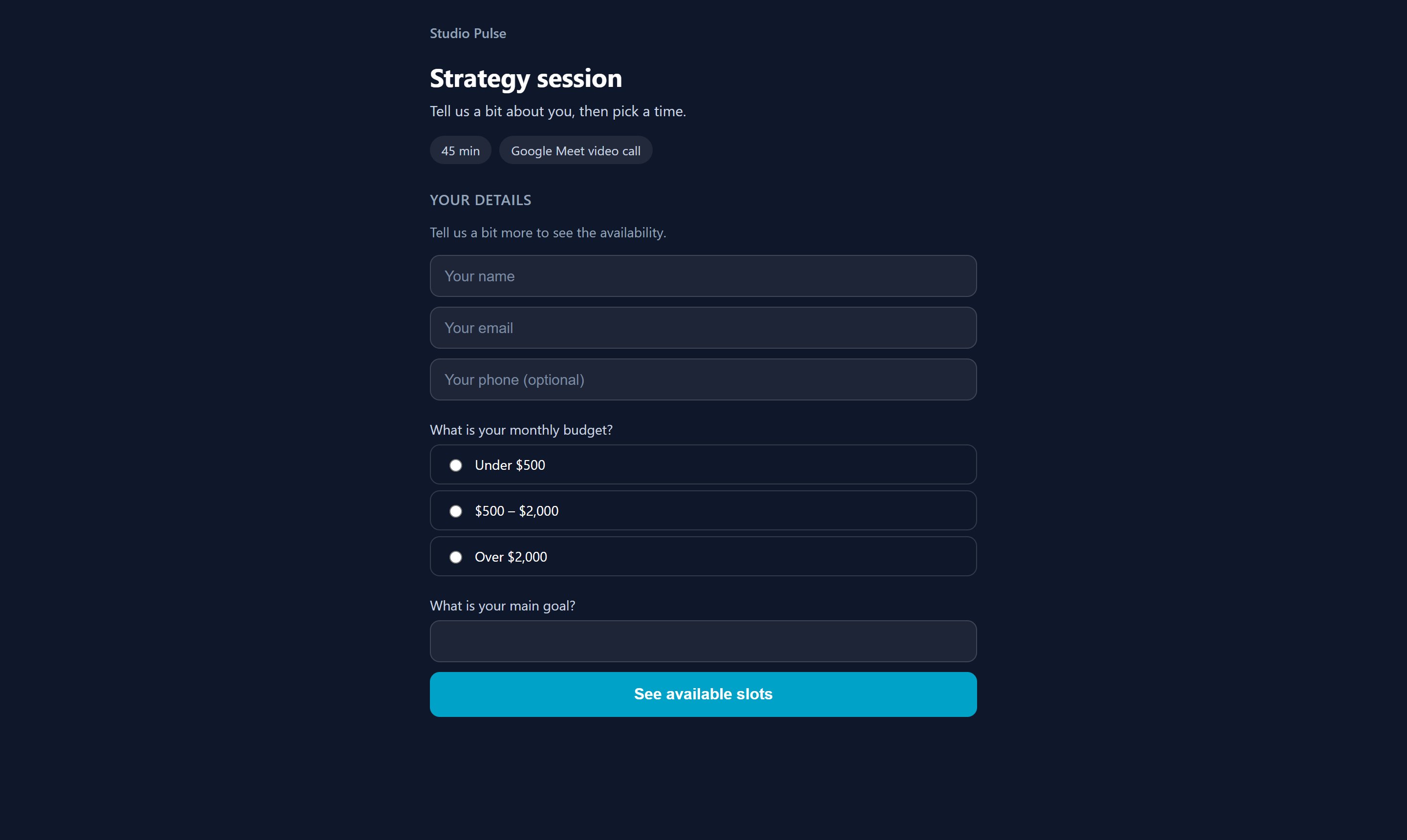
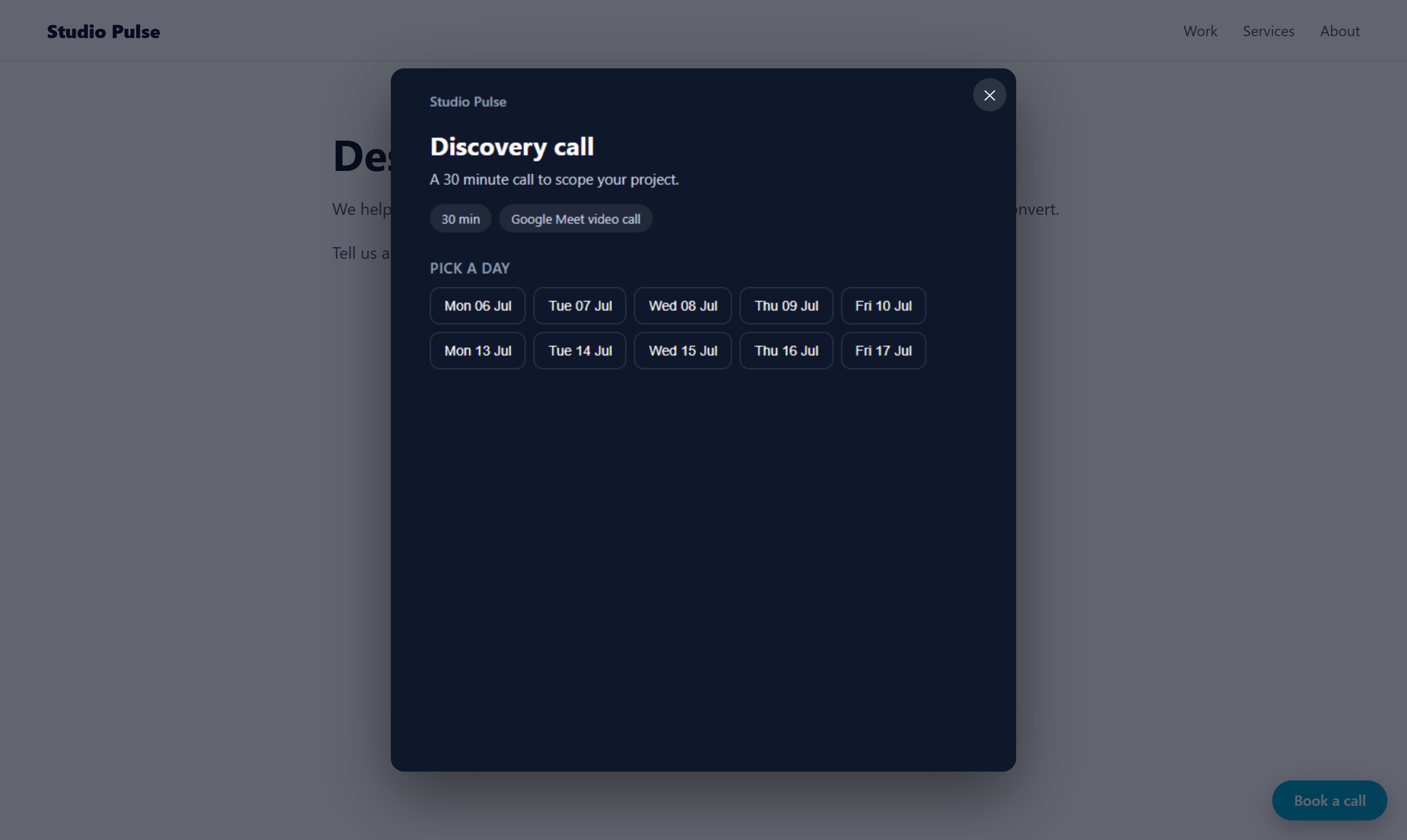
Paste a small script: a floating button opens the booking over your site. Or embed the full calendar, on your site or inside a Madyis landing page.
Because an appointment is not the finish line: it is a contact to work. Here, everything is already wired.
| Madyis Hub | Calendly | |
|---|---|---|
| Included in your CRM, no extra subscription | ✓ | Separate tool |
| Every appointment creates a contact and triggers your follow-ups | ✓ | Via third-party connectors |
| Anti no-show email and SMS reminders | ✓ | Plan dependent |
| Qualification that captures the contact even without a booking | ✓ | Plan dependent |
| Your brand, white label available for agencies | ✓ | Plan dependent |
Indicative comparison based on public offerings.
No. The page works with the built-in team agenda. If you connect Google Calendar, your busy times are taken into account and the client receives an invite with a Meet link.
By email through your connected inbox, and by SMS if you have a sending number. You choose the delays, for example 24h and 1h before the appointment.
Yes, three ways: the direct link, an embedded frame (iframe), or a script that shows a floating button and opens the booking over your site.
Mark the appointment as a no-show: the contact is filed in a dedicated folder and your Flows can follow up automatically.
Never. They pick a slot, leave their details, done.
Up to 10 booking pages per account from the Pro plan: one per appointment type (demo, discovery, follow-up…).
Included in the Pro plan, with anti no-show reminders.
Get started