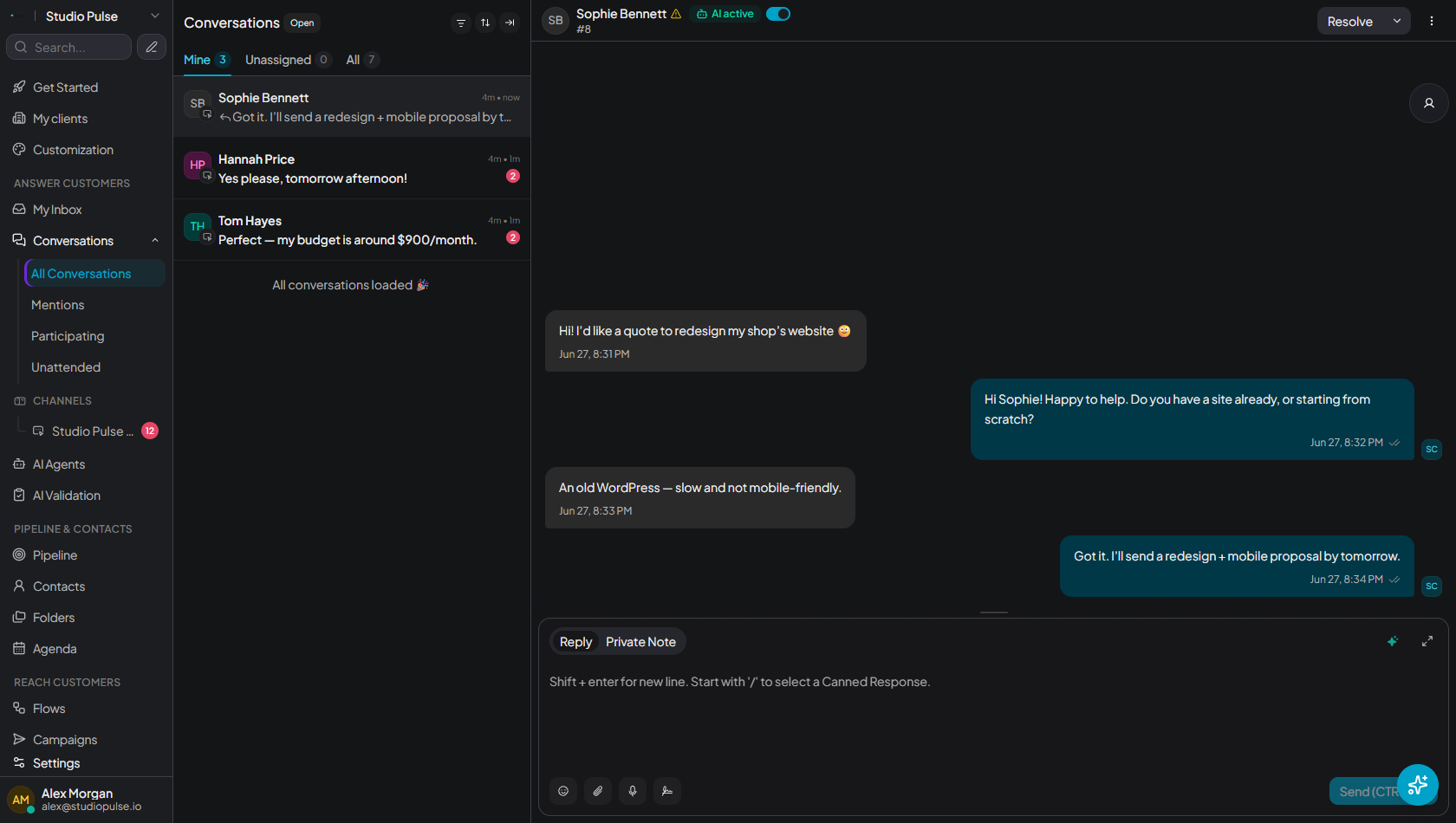
Assign conversations to the right person, give everyone the right access, and chat privately without ever leaving the customer profile. No one replies twice, nothing slips through the cracks.
One inbox the whole team shares, clear access for everyone, and coordination right inside the conversation.
Send each conversation to the right person, or let auto-routing balance the load. Everyone sees only what is theirs to handle.
WhatsApp, Instagram, email and website chat land in the same place. Everyone sees the customer's full history.
Give everyone exactly the access they need. Agents reply, supervisors supervise, admins manage.
Leave a note for a colleague without the customer seeing it. A mention notifies them right away.
Chat privately with your colleagues, share a file or open a room, without switching tools or losing the thread.
When everyone sees who is replying to whom, the team moves faster and customers never wait without an answer.
one conversation, one owner visible to all
Admin, Supervisor and Agent, each with configurable access
every channel and the whole team in one place
It is a single inbox where your whole team handles conversations together, with conversation assignment, mentions and private internal notes.
Yes. Role-based permissions let you define exactly what each agent can access, so you stay in control.
Agents add private internal notes on a conversation and mention each other, all kept hidden from the customer.
Yes. The built-in team chat lets agents message each other through direct messages, rooms and file sharing, without switching tools.
Invite your colleagues in seconds, assign roles and start replying together. Free to start, no credit card required.
Invite my team